Legends Battlegrounds Controls
Find the official Legends Battlegrounds keyboard inputs for dash, ragdoll cancel, block, awaken, light attack and the emote wheel.
The official keyboard list is Q to dash, Q while ragdolled to evasive or ragdoll cancel, F to block, G to awaken, Left Click to light attack and B for the emote wheel. Check the current game interface for device-specific bindings.
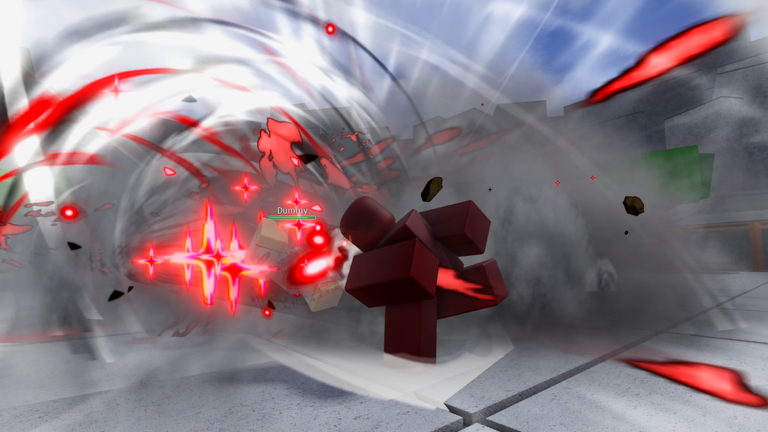
View reference image
On this page
Use the developer’s list as the baseline
The table above comes from the current official Roblox description, checked on October 19, 2026. It is a keyboard reference for Legends Battlegrounds by Arts of Vermillion, not a control list copied from another battlegrounds game with a similar name.
The source confirms broad device support, but it does not publish a complete controller or touch mapping. Use the layout displayed by your game for those devices. Do not translate keyboard letters into controller buttons by guessing.
Q has two listed contexts
The most useful distinction in the official list is between Q during ordinary movement and Q while ragdolled. The first is dash; the second is evasive or ragdoll cancel. If the result differs from what you expected, first check which state you were in.
This does not establish an exact evasive cooldown or an invulnerability window. Those values were not provided in the listing used here. A claim that the key should always escape every sequence would go beyond the source.
Learn F with an observable purpose
F is the listed block input. To learn it, choose an exchange you can read and watch the response rather than assuming every move interacts with block identically. The listing gives the action, not a full chart of every character’s block-breaking properties.
If you are trying to understand a failed defense, separate input recognition from timing and positioning. Pressing the correct key does not by itself establish that the surrounding situation was favorable. The defense guide provides a checklist for reviewing that situation.
Treat awakening as a contextual action
G is listed as awaken. Check the current character interface for when it is available and what follows it. This page does not invent a charge threshold or claim that all characters share the same awakening behavior.
For a first session, make the ordinary movement and defensive inputs familiar before trying to reproduce a long awakening showcase. A video may use a particular character, server setting or older update that does not match your current session.
Keep character moves separate from universal inputs
The official list above is not a complete character moveset. Read the current move buttons and descriptions for your selected fighter. Do not assume that a move slot always has the same function across characters, or that an input sequence from one fighter automatically works on another.
The linked creator videos are examples of the game, with their original publication dates. They are not presented as current official balance documentation. The table remains tied to the current listing so you can distinguish verified input facts from a creator’s training advice.
Resolve a confusing input systematically
Confirm the exact game, the device layout and the character’s current state. Then try the relevant action in a readable situation before layering in additional inputs. If a different layout is shown by your current build, follow that interface and report the discrepancy with the device and visible labels.
You have completed this reference task when you can locate the needed input and explain its context. Use the beginner guide to combine the inputs into a small learning routine rather than learning every action in isolation.
Step-by-step guide
- Match your device
Use this keyboard list on a keyboard and inspect the current in-game layout for a controller or touch device.
- Check the character state
The official list gives Q a separate ragdoll-cancel meaning while your character is ragdolled.
- Test one input at a time
Confirm the action in a readable moment before combining it with attacks and movement.
Quick reference
Decision reference
| Input | Official action | Context |
|---|---|---|
| Q | Dash | Ordinary movement state |
| Q while ragdolled | Evasive / Ragdoll Cancel | The ragdolled state changes the listed action |
| F | Block | Read the opponent and current facing |
| G | Awaken | Check the current availability shown by the game |
| Left Click | Light Attack | Commonly called M1 by players |
| B | Emote Wheel | A separate action from the combat inputs |
Video evidence
Watch creator walkthroughs alongside this guide. Check the recording date before following requirements that may have changed.
my first time playing Legends Battlegrounds...
Dated footage of the named game for interface and presentation context. Mechanics in this guide follow the current official listing, not creator rankings.
FAQ
Which version does this page cover?
Official SHINJI listing checked 19 October 2026. Check the current game interface when an older guide or clip disagrees.
Is this an official or tested walkthrough?
This is an independent source-based guide. Developer facts and editorial planning suggestions are separated; no hands-on testing, guaranteed route or unsupported numerical values are claimed.
Sources
Recheck these links whenever the game version, release status, or strategy changes.
- Official Legends Battlegrounds game listing Primary source checked 19 October 2026; mechanics are version-specific.